Help Center
Learn How to Trade
New to prediction markets? Follow our step-by-step guides and video tutorials to get set up and start trading in minutes.
Getting Started
Follow these six steps to go from zero to trading. Click any thumbnail to watch the full video walkthrough.
1 Install Phantom Wallet
- Visit the Chrome Web Store and install the Phantom extension
- Create a new wallet and set a strong password
- Write down your recovery phrase and store it securely
2 Connect Wallet & Create Profile
- Click Connect Wallet in the top right corner
- Select Phantom and approve the connection
- Choose a username and complete your profile
3 Deposit Devnet SOL & USDC
- Get free devnet SOL from the Solana Faucet
- Get free devnet USDC from the Circle Faucet
- SOL covers transaction fees, USDC is for trading
4 Deposit Social Parlay Balance
- Navigate to your profile and click Deposit
- Enter the USDC amount and approve in Phantom
- Balance updates once the transaction confirms on-chain
5 Place a Yes Buy Order
- Browse tournaments and pick a prediction market
- Select Yes and enter the amount to buy
- Review the potential payout and confirm your order
6 Place a Sell Order
- Open your portfolio to see active positions
- Click a position and enter shares to sell
- Confirm — proceeds go to your Social Parlay balance

Understanding Markets
- Outright Winner — Predict who wins the tournament
- Top 5/10 Finish — Trade on top-position finishes
- Head-to-Head — Compare two players' performance
Buying Positions
- Price reflects the market's consensus probability
- Lower price = higher potential return
- Prices update in real-time with trading activity
Selling Positions
- Lock in profits if the odds move in your favor
- Cut losses if your prediction seems unlikely
- Sell anytime before the market closes
Settlement
- Winning positions pay out automatically
- Funds sent directly to your wallet
- All settlements verifiable on-chain
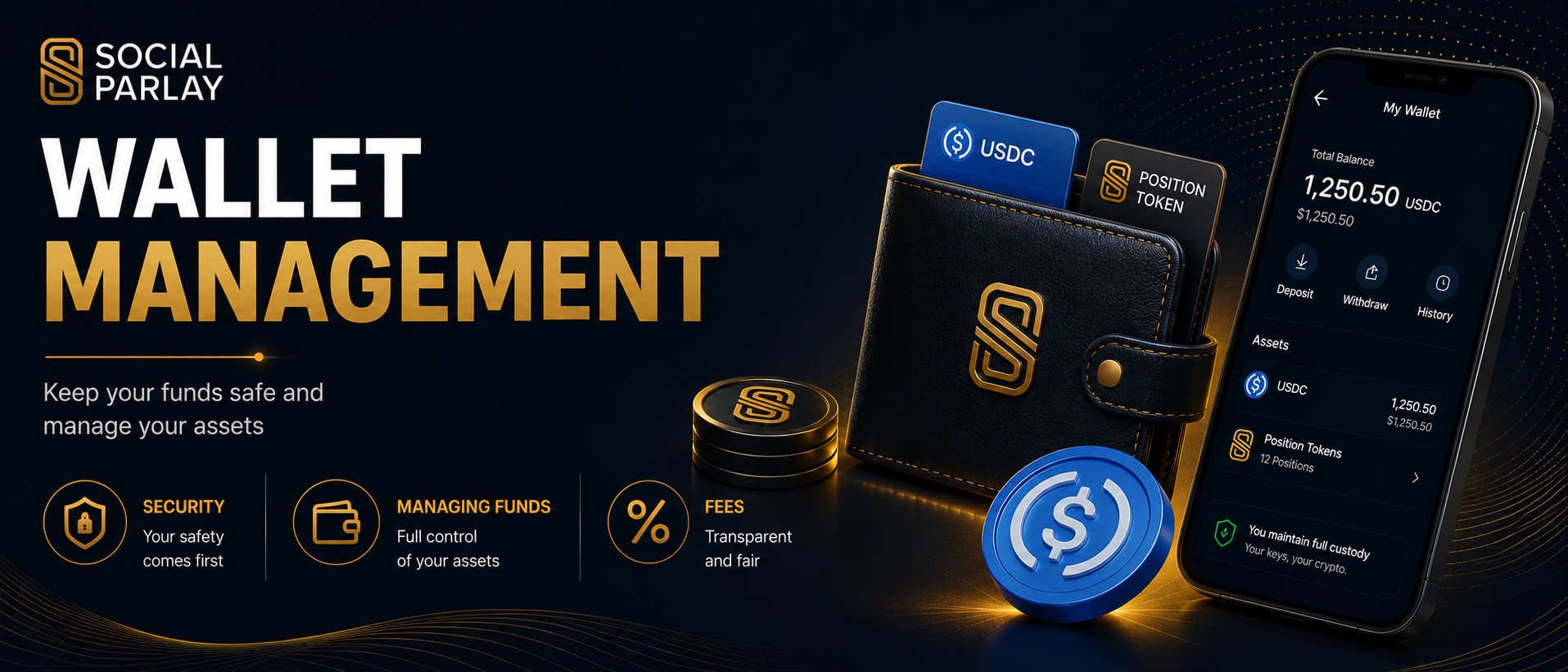
Security
- Never share your private keys or recovery phrase
- Verify transaction details before approving
- Only connect to trusted websites
- Use a hardware wallet for large amounts
Managing Funds
- Deposit USDC from your wallet to trade
- Withdraw non-active funds back to your wallet anytime
- Positions represented as tokens in your wallet
- Withdrawals only ever go back to your own wallet
Fees
- Network fee: ~0.000005 SOL per transaction
- Fees go to Solana validators, not Social Parlay
- Platform fee: 2% on winning positions only